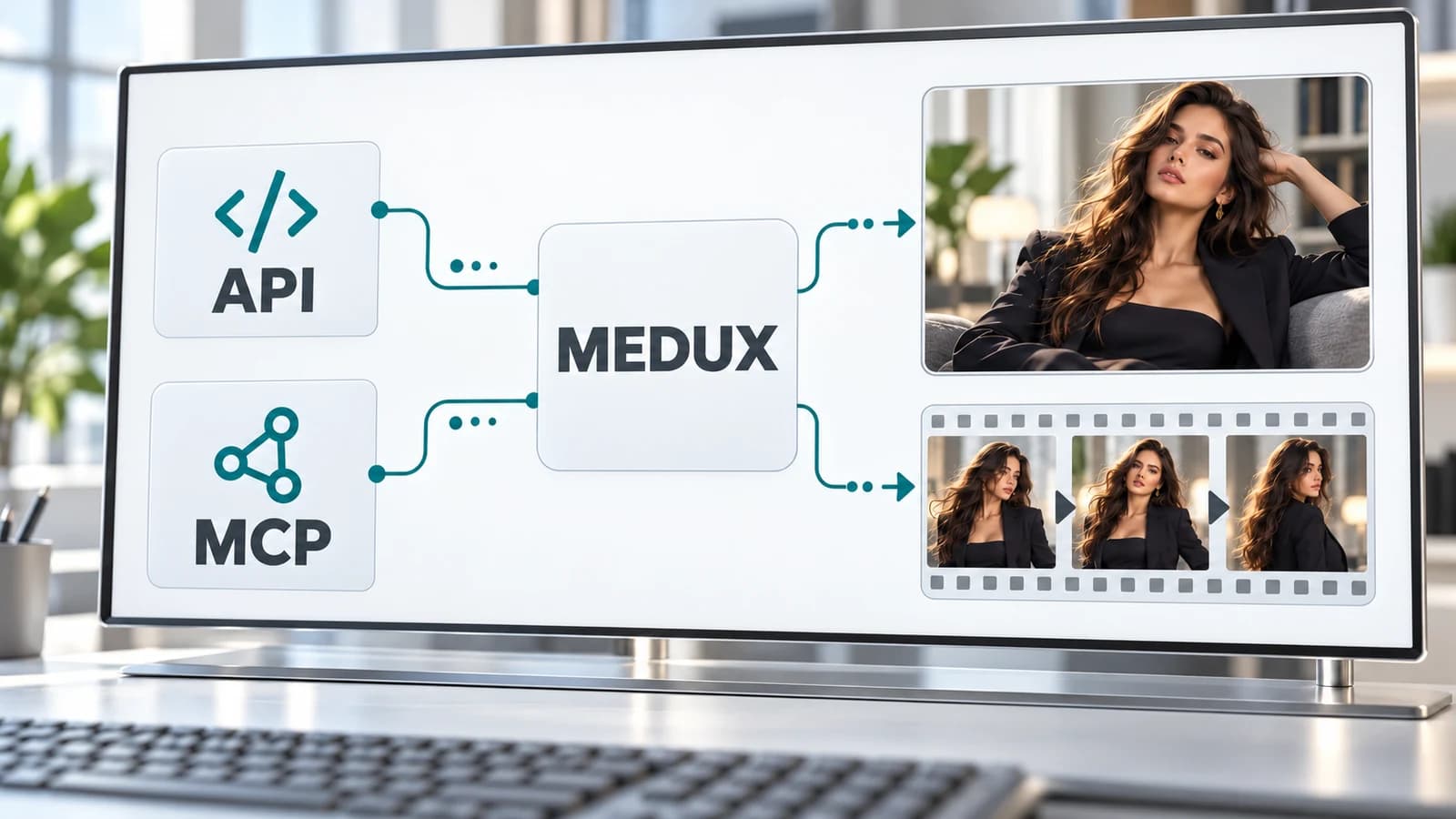
Map the creative task to an API and MCP tool
For an NSFW AI image generator API workflow, start with Text to Image Turbo and check the model selection for Krea 2 Turbo. For video, read Text & Image to Video, which documents prompt and optional reference inputs. For an authorized adult face replacement, use the Video Face Swap documentation in AI Avatar.
The Workshop pages explain the adult-content scope of those workflows. That scope is not a promise about every other model exposed by the platform. Keep age, consent, likeness rights, and the service's current content rules part of the submitted project requirements.
| Job | API reference | Published MCP tool |
|---|---|---|
| Create an image from text | Image → Text to Image Turbo | medux_text_to_image — inspect the model arguments |
| Create video from text or optional references | Video → Text & Image to Video | medux_text_image_to_video — inspect the reference arguments |
| Replace a face in an existing clip | AI Avatar → Video Face Swap | medux_video_face_swap — inspect the source and face inputs |
Connect MCP and inspect the published arguments
Follow the Medux MCP connection guide for your client and account. Open the MCP Tool section on the capability's reference page to find the published tool name, arguments, authentication requirements, and response format. Use that current definition rather than assuming the browser's internal request is the public API contract.
For AI image generation MCP or AI video generation MCP, make the intended model and settings explicit where the tool supports them. Do not invent a model ID from a marketing title, or assume an image reference field has the same name as the field on a different service.
Separate submission, progress, and completed media
A successful submission can return a task ID before the media is ready. Store that ID and follow the task using the documented status mechanism. A queued or processing state is not an output file; only pass a successfully completed asset to the next media operation.
If a connection drops after submission, look up the known task before starting another paid generation. If submission was never confirmed, check the account's task history before retrying. A client-side network error alone does not prove the server failed to create the task.
- Validate the capability's documented inputs before submission.
- Persist the returned task ID with the project and step.
- Check task state until it succeeds, fails, or expires.
- Inspect the completed output before starting the next operation.
Preserve the relationship between images and videos
For a multi-step integration, record the approved portrait, source video, model settings, task IDs, and final outputs as separate assets with explicit relationships. A still image is not a video file, and a completed image task does not mean video preparation has already run.
Workshop Avatar can reuse a saved portrait's linked base video when that asset exists. Your own integration needs to keep the corresponding association if you want the same behavior. For other handoffs, follow the next service's documented file or reference-input flow rather than assuming any downloaded URL is accepted unchanged.
Check limits and costs for the whole pipeline
Review current pricing, duration, dimensions, plan requirements, and concurrency for each selected operation. An image, video, and face-swap chain contains separate tasks; a single advertised credit rate does not describe the entire pipeline.
Keep account credentials on the trusted side of your application, and log task IDs and service errors without exposing API keys. For an agent, make the intended paid action and output requirements clear before running a series of media tasks. Use a short reviewed workflow before scaling it to a larger batch.
Frequently asked questions
Is there one universal uncensored endpoint?
Choose a capability-specific image, video, or face-swap service and follow its published API contract. Content support and model availability are service-specific; an uncensored label does not define a universal request schema.
Can an MCP agent generate images and videos?
Use the corresponding capability's MCP Tool section and the Medux MCP connection guide. The published arguments, authorization, model support, and task responses determine what your connected client can call.
Should I retry immediately after a network error?
If you have a task ID, retrieve its state first. If submission was unconfirmed, check account task history before resubmitting. A lost response can coexist with a running server task.