AI bikini model generator: an adult swimwear campaign
For a swimwear image, define the garment, composition, lighting, and commercial mood. Keep the face visible if the portrait will become an image reference for a later video. A portrait format suits a single model; landscape leaves room for a wider location.
Swimwear campaign prompt
Editorial swimwear campaign photograph of an original fictional 32-year-old adult woman wearing a simple cobalt-blue bikini, standing naturally beside a sunlit resort pool. Eye-level medium-full shot, relaxed expression, realistic proportions, face clearly visible, clean modern pool architecture, soft reflected daylight, refined magazine photography, natural skin texture, tasteful fashion presentation, no text or brand logos.
Copy this recipe, then paste it into the matching prompt field.AI lingerie model generator: focus on wardrobe and fabric
Treat lingerie as a wardrobe and product-photography brief. Specify an adult model, an opaque garment, fabric details, a neutral pose, and an intentional setting. Keep the scene internally consistent rather than mixing studio, daylight, and nightlife directions in one prompt.
Lingerie fashion prompt
High-end lingerie catalog photograph of an original fictional 35-year-old adult woman wearing an opaque emerald silk camisole and matching shorts. Standing in a relaxed neutral pose beside a cream studio wall, eye-level composition, face and garment clearly visible, soft window light, detailed fabric texture and seams, natural proportions, tasteful non-explicit fashion styling, no nudity, no text or logos.
Copy this recipe, then paste it into the matching prompt field.AI glamour portrait generator: let lighting carry the mood
A glamour portrait can use expression, light, color, and styling without an elaborate scene. Start with one subject and a simple backdrop. If facial detail is weak, simplify the shot before adding more accessories or more characters.
Glamour portrait prompt
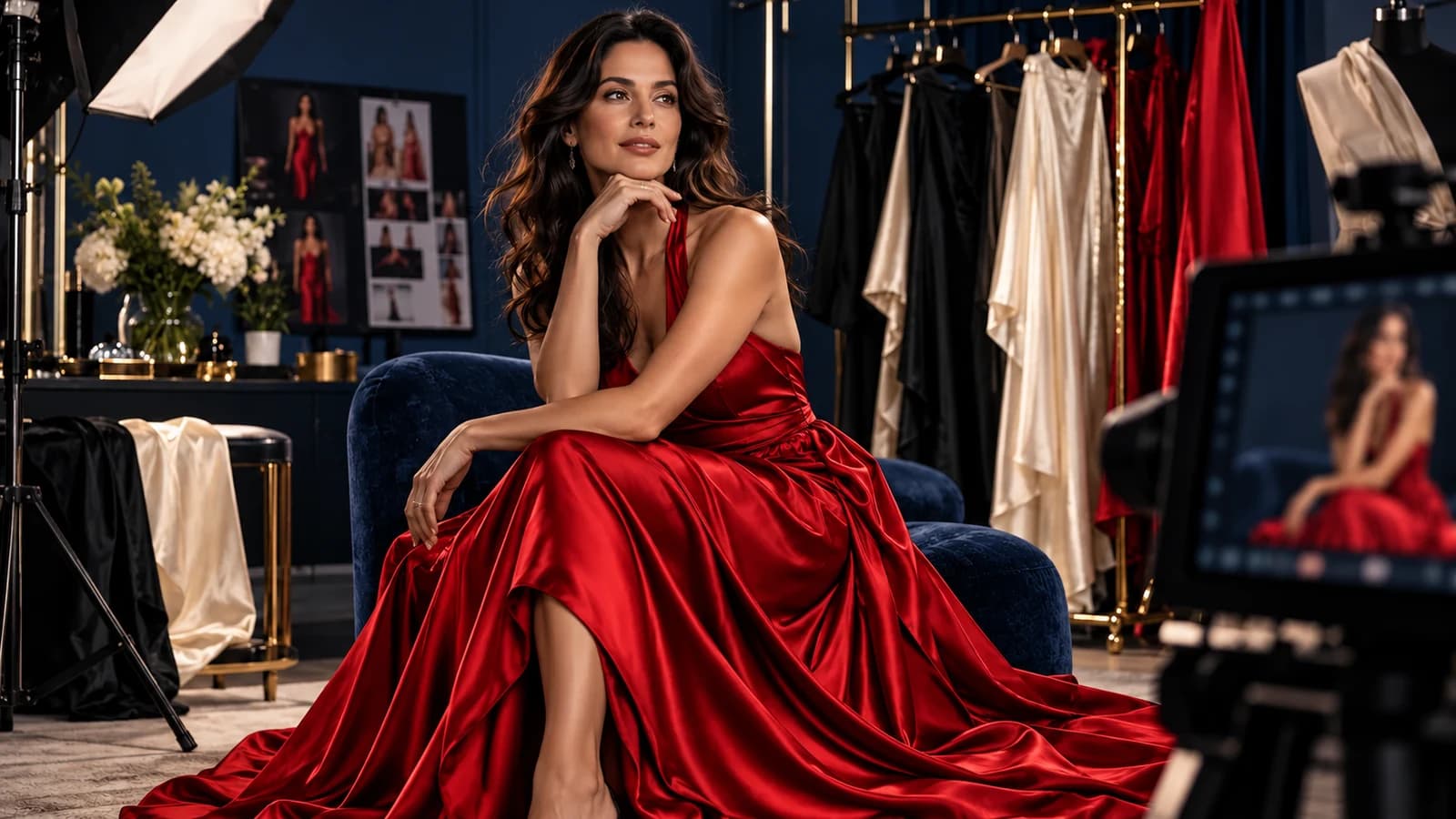
Refined cinematic glamour portrait of an original fictional 34-year-old adult woman wearing a black satin evening dress and understated silver earrings. Shoulders gently relaxed, looking toward the camera with a small confident smile. Close portrait, soft amber key light and a subtle cool rim light, blurred evening city background, realistic skin texture, elegant editorial photography, fully clothed, no text or logos.
Copy this recipe, then paste it into the matching prompt field.AI virtual model generator: create an identity reference
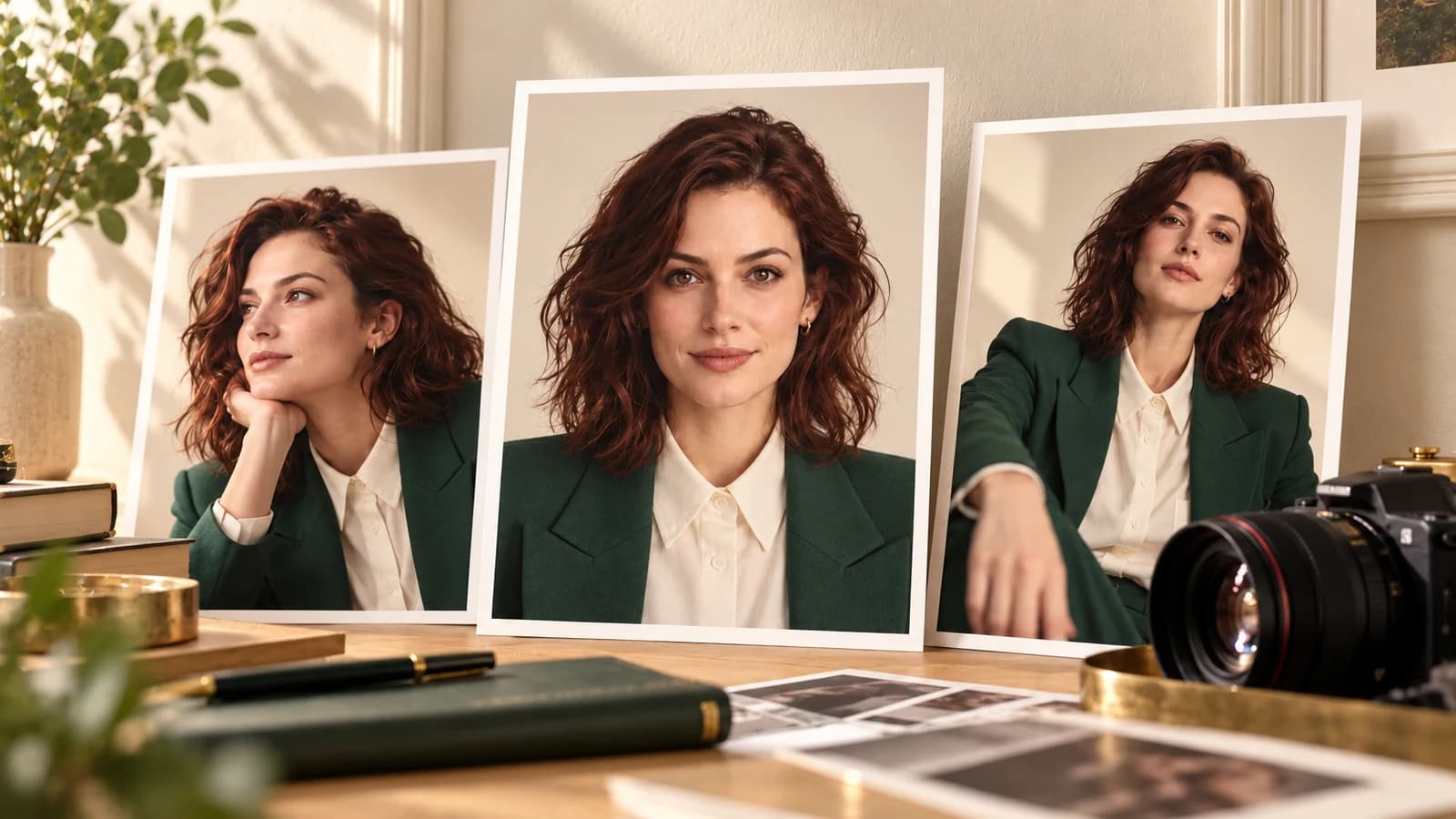
For a reusable virtual model, prioritize a neutral reference before creating campaign variations. A single clear portrait is easier to pass to another tool than a contact sheet containing several inconsistent faces. Record the approved image and use it as a reference when the next workflow supports one.
Virtual model reference prompt
Clean photographic identity reference of an original fictional 31-year-old adult man with short curly brown hair, hazel eyes, an oval face, and subtle freckles. Wearing a plain charcoal crew-neck shirt, facing the camera directly with level shoulders and a neutral friendly expression. One person, chest-up framing, plain light-gray studio background, even diffused lighting, realistic proportions and skin detail, no accessories, no text or logos.
Copy this recipe, then paste it into the matching prompt field.A romantic evening editorial for a short video brief
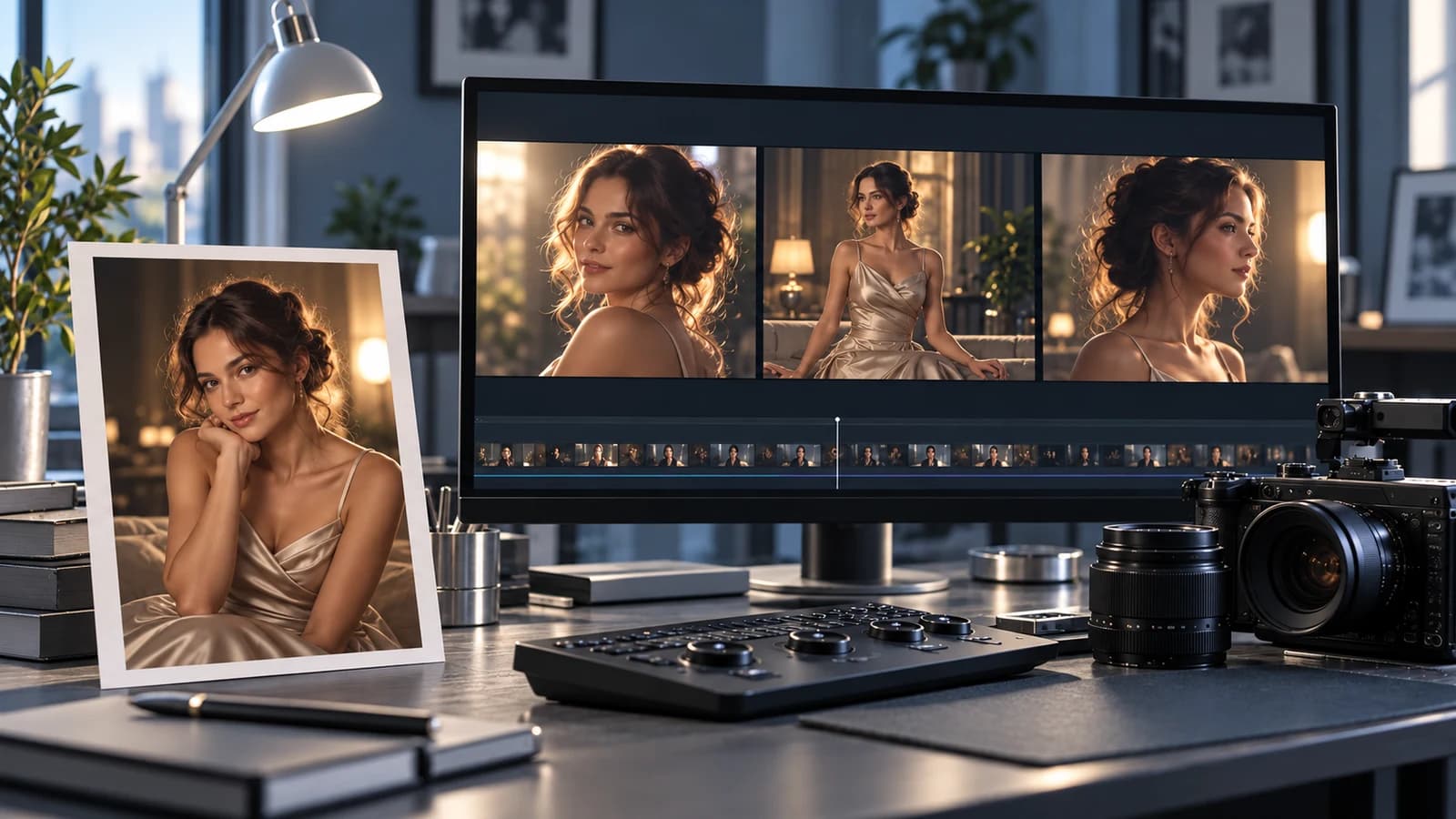
Plan the still and the motion separately. The image prompt establishes the look; a later video prompt should describe one small action. If you want the exact approved still as the starting reference, use Playground's reference inputs rather than only retyping its description into the text-only Workshop.
Evening editorial image prompt
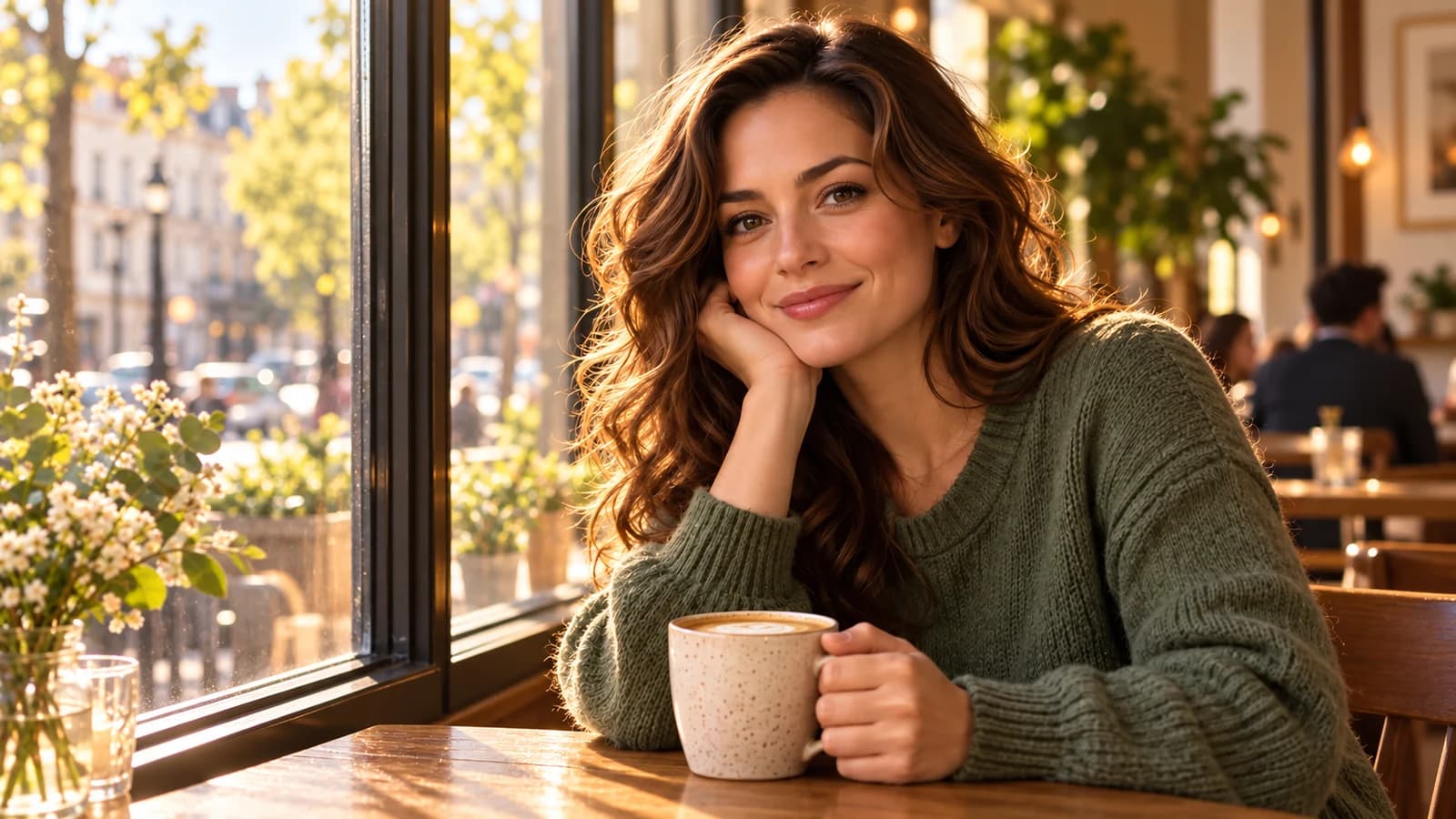
Cinematic evening editorial of an original fictional 33-year-old adult woman in a fully clothed burgundy evening dress, seated beside a cafe window after sunset. Warm interior light, soft reflections on the glass, relaxed natural posture, gentle smile, one person, medium portrait, realistic textures, restrained color palette, no text or logos.
Copy this recipe, then paste it into the matching prompt field.Refine one variable at a time
Krea 2 Turbo's Workshop offers square 1024 × 1024, portrait 768 × 1344, and landscape 1344 × 768 output. Keep the first prompt brief enough to diagnose, then change one element such as framing or lighting after reviewing the result. Negative prompts can guide unwanted details but do not guarantee that an artifact disappears.
Optional negative prompt
blurry face, low resolution, extra fingers, distorted hands, duplicated person, inconsistent eyes, text, watermark, logo
Copy this recipe, then paste it into the matching prompt field.Frequently asked questions
Are these generated fashion examples?
No. These are prompt recipes you can copy and adapt. They are not paired with verified generated results, and actual output depends on the request, model, and service rules.
Can I use my own likeness for fashion concepts?
Use only a likeness you own or have explicit permission to use for the intended project. This text-to-image page takes a prompt, not a face-reference upload. For an existing portrait, choose a compatible image-editing or reference-input workflow.
Can a fashion portrait become a video?
Download the approved image and use Text & Image to Video in Playground for reference-based motion. For an independent scene from text, use the Minimax H3 Workshop. Review model-specific content support before submitting adult material.